Programs for Students
Hands-on AI Literacy
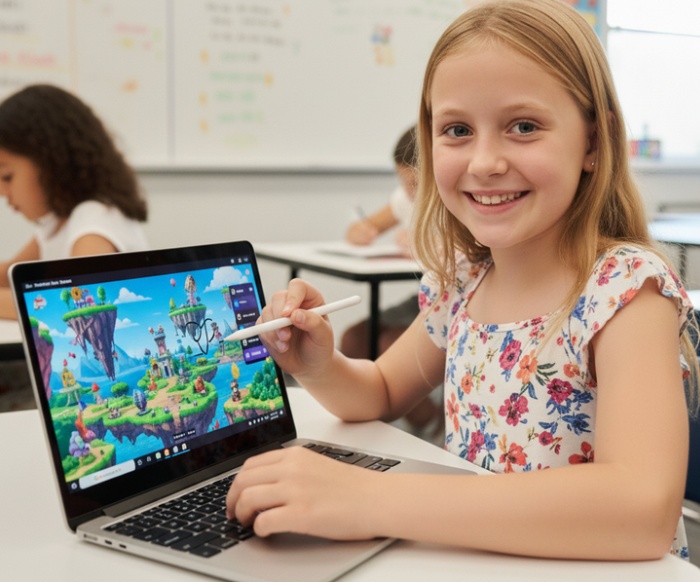
Students design characters, worlds, and stories with paper & pencil, then work with instructors to bring ideas to life using AI in a guided, responsible way — culminating in portfolios of characters, stories, 3D models, video games, movies and more.
🎨 Student Creative Portfolios
Class 1: 🧑🎨 Character Creators
Build heroes, sidekicks, and villains with clear traits and motivations students can turn into stories and games.
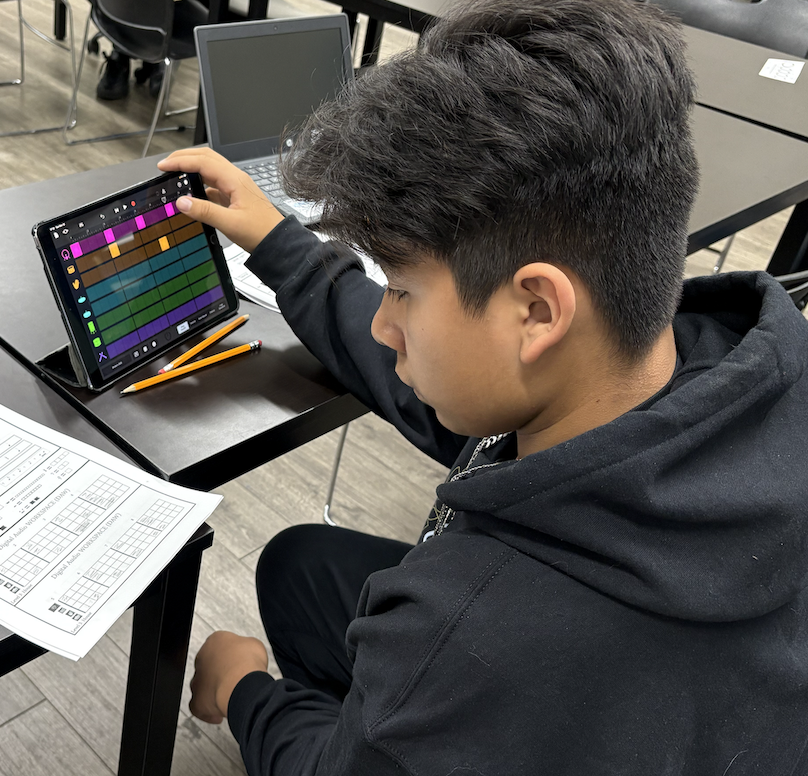
Class 4: 🎬 Video Producers
Turn a story idea into a punchy trailer concept — scenes, music vibe, and a “hook” — with instructor guidance.
Class 8: 🕹️ Game Developers
Prototype a game concept: objective, mechanics, levels, and art direction — then iterate with a teacher.
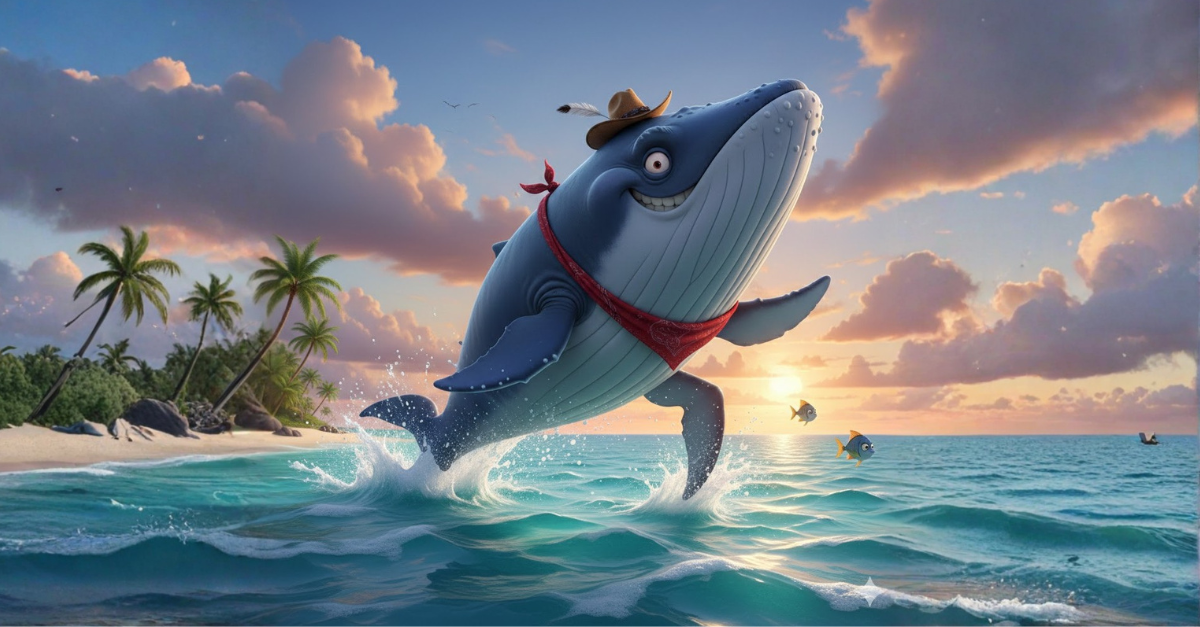
Play Fred the WhaleOverture AI Safety Framework
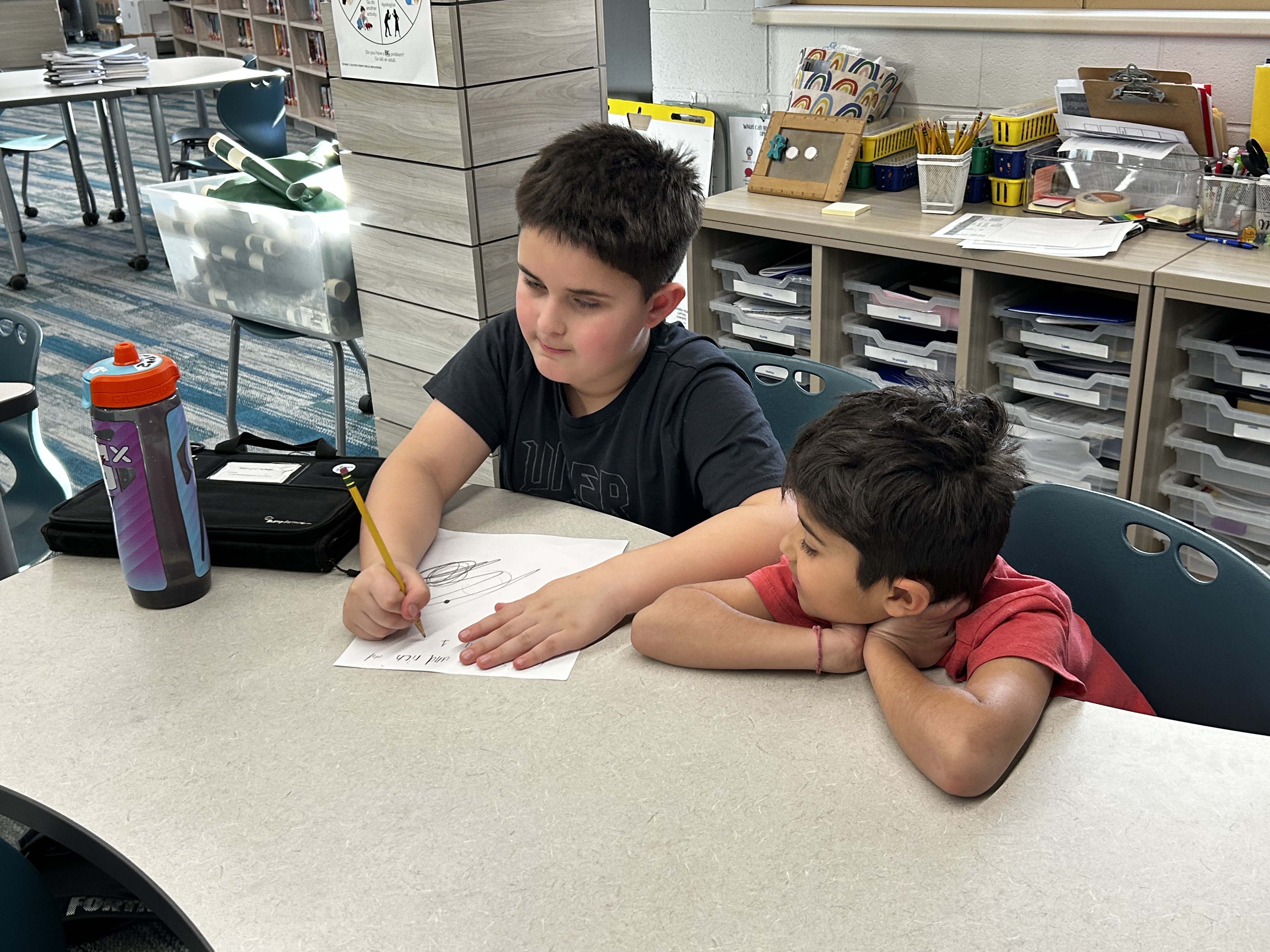
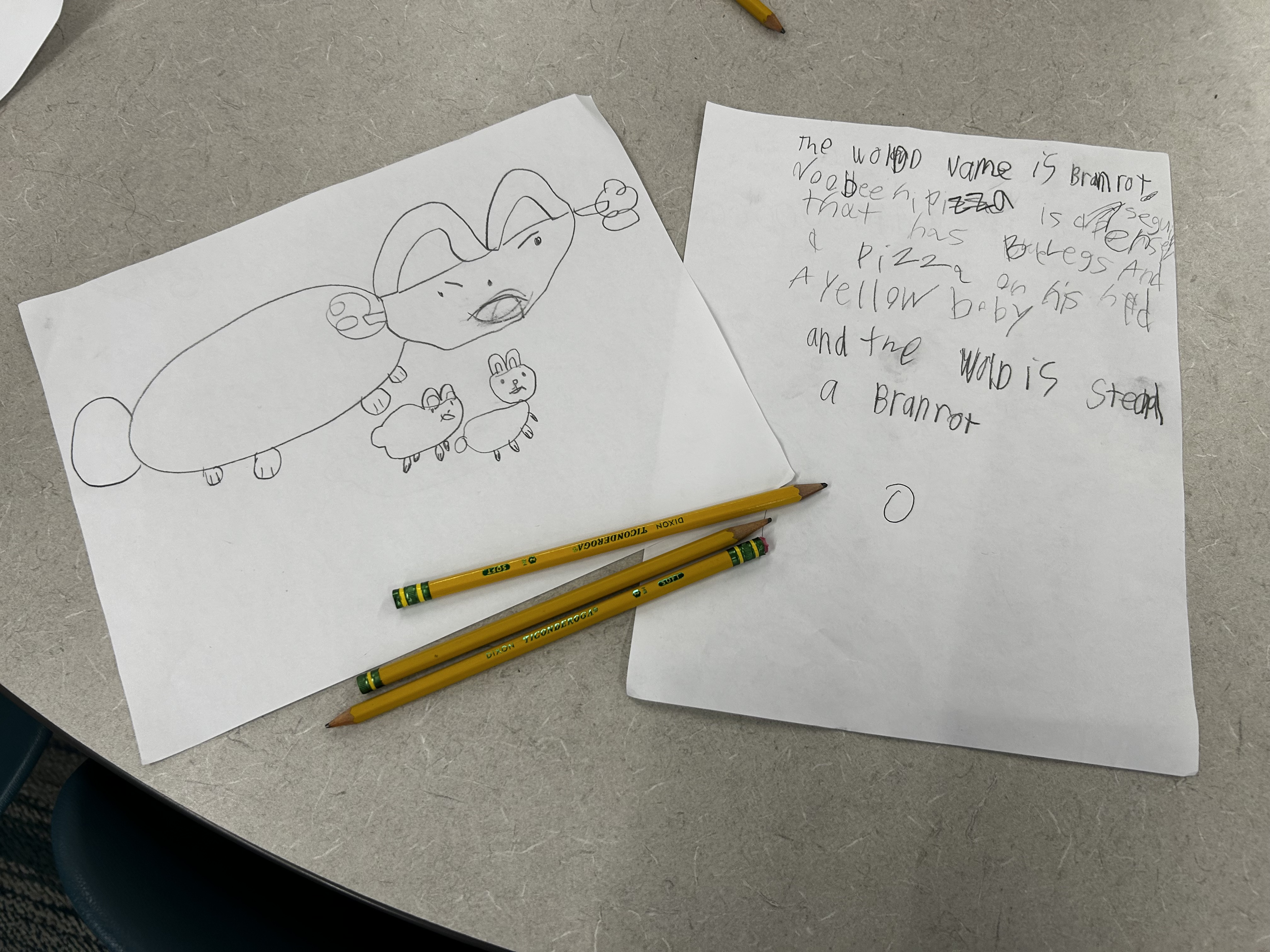
Using this walled garden approach, students do not have direct access to AI tools. Because a teacher guides every sentence, we ensure students:
- A.Don’t share personal information
- B.Develop creative writing skills: grammar, full sentences & complete descriptions
- C.Keep all material appropriate for school
Learning Goals: What Makes a Responsible AI Creator?


- Storytelling
- World Building
- Musical Composition
- Video Production & Editing
- and more
- Game Development
- 3D Modeling & Animation
- Prototyping
- Debugging
- Literacy (reading, writing, grammar)
- AI Literacy (understanding & responsible use)
Safety first
- AI tools are used with clear boundaries, no open chat, and instructor guidance at every step.
- Activities are age-appropriate and designed for safe learning outcomes.
Become an AI expert and create the next Mario, Pokémon, or Star Wars. Your imagination is the only limit. Imagine your child designing their own characters, worlds, and stories, then watching them come to life as videos, 3D animated models, and a published game. At Overture Games, students start with paper and pencil, then work with instructors to bring their ideas to life using AI in a guided, responsible way. This is our flagship intro program — a first step that blends video game design, movie making, and 3D animation into one hands-on experience. This program was founded by Northwestern University alumnus Aspen and Steven, featured in Forbes 30 Under 30 and Entrepreneur Magazine, and is led by certified AI instructors. By the end, students will have built a portfolio of videos, 3D animated models, and a published video game they are proud to share.
Ready to see what they can create? Sign up today.
Ready to Start Creating?
Find your school’s AI program and secure your spot in minutes.